How to Prepare Your Documents Before a Loksewa Online Application
Prepare your Loksewa application documents before the portal opens with a simple checklist for scans, names, eligibility details and final review.
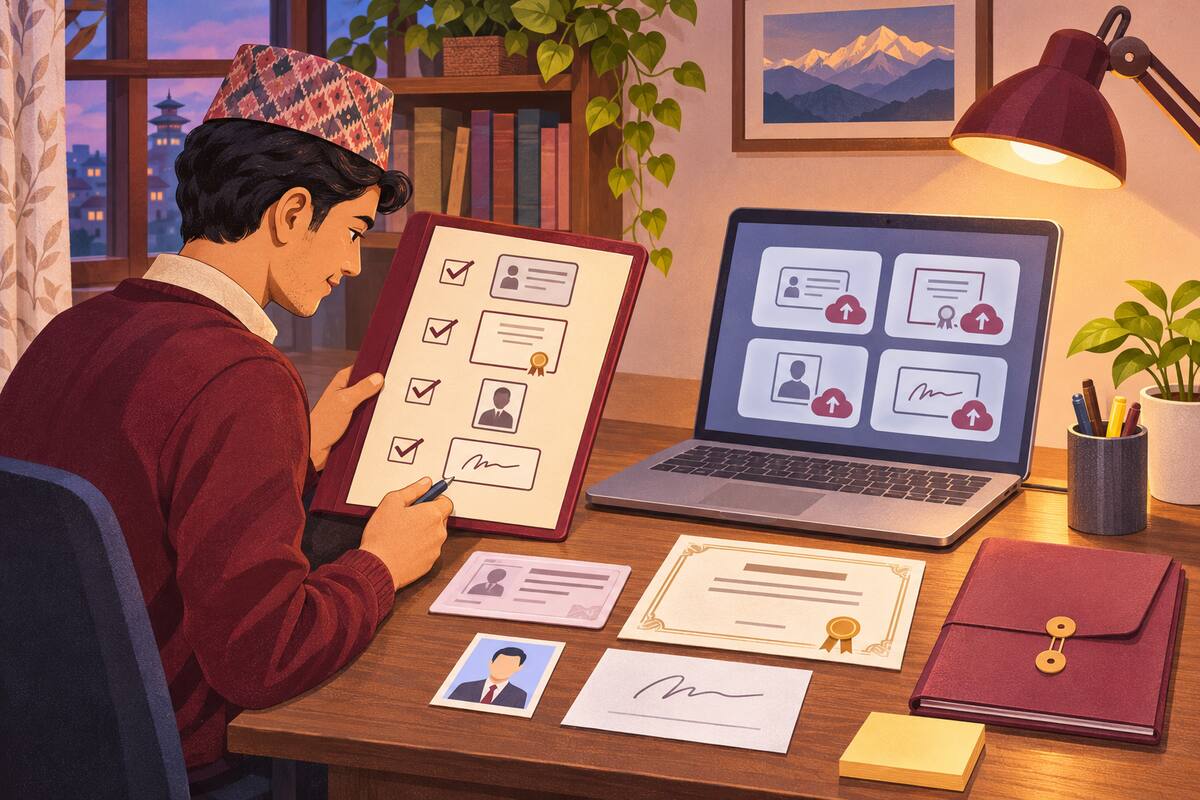
What documents should you prepare before a Loksewa online application?
Prepare the documents before you start filling the form. This is the easiest way to avoid a rushed upload, a mismatch in names or an incomplete application near the deadline. The exact requirements always come from the particular advertisement, but a well-organised folder lets you check them calmly.
Read the advertisement before collecting files
Open the relevant notice through the Public Service Commission official website. Match the advertisement number, post, service, group and application type before you make a checklist. Do not assume that the documents for one post will be identical to another.
Make one clearly named document folder
Create a folder for the post, then keep a separate subfolder for the original files and another for upload copies. Use simple filenames such as citizenship-front, transcript-bachelor or experience-letter. Avoid vague filenames such as scan-final-new. You should be able to identify every file without opening it.
Check names, dates and eligibility details
Compare the spelling of your name, date of birth and other basic details across the documents you plan to use. If an advertisement requires a qualification, experience, registration or an inclusive-group document, read its wording closely. Do not describe a document as proof of something it does not show.
Prepare readable upload copies
Scan or photograph documents in good light so edges, stamps and text are readable. Crop only empty surroundings; do not alter the document itself. Check the file type and size required by the portal or notice. Open every upload copy once on a computer or phone before application day.
Separate common documents from post-specific proof
Common items may include identity, education and photograph or signature files. Post-specific proof can include professional registration, training, experience, equivalence or inclusive documents. Keep the second group separate so you do not upload an irrelevant paper simply because it was useful for an earlier application.
Keep a final-answer sheet beside you
Before submitting, write down the exact post, advertisement number, selected group, examination centre and the documents you intend to attach. This small sheet helps you compare each screen with the notice. It is especially useful when several vacancies look similar.
Pre-application checklist
- Correct notice and post identified.
- Names and dates checked across documents.
- Readable upload copies opened and reviewed.
- Post-specific eligibility evidence separated.
- Final choices compared with the notice before submission.
Prepare early, but upload only the documents requested in the current notice. If any item is unclear, rely on the official notice or the Commission’s published contact route rather than a social-media summary.